Store Layout Optimization Guide
Learn how to use heat mapping and traffic analysis to optimize your store layout for maximum sales and customer satisfaction.
Store Layout Optimization Guide
The right store layout ensures customers see more products, stay longer in the store, and ultimately buy more. By strategically directing store traffic with scientific data and customer behavior analysis, you can maximize your sales. Store layout is not just an aesthetic choice, but a strategic decision that directly affects your profitability.
Impact of Store Layout on Sales
Research shows that a well-designed store layout can increase sales by 20-40%. 70% of customers make unplanned purchases, and these decisions are largely influenced by their in-store experience. The right layout encourages customers to discover more products and make impulsive purchase decisions.
Effective Store Layout Principles
1. Entrance Area (Decompression Zone)
First impressions are everything. Customers form an opinion about the store within the first 5-15 seconds of entering. The entrance area should be a transition zone for customers to adapt to the store atmosphere. Avoid placing products in this area as customers haven't entered shopping mode yet.
Entrance Area Tips:
- Create a spacious and inviting area - minimum 2-3 meters depth
- Use lighting carefully - bright but not dazzling
- Welcome messages and tell your brand story
- Use seasonal decorations and themes
2. Right Side Rule (Power Wall)
90% of customers turn right when entering a store. This makes the right wall, known as the "power wall," the most valuable real estate in your store. Place your highest-margin products, new collections, and promotions here.
Power wall considerations:
- Place most profitable products at eye level (120-160 cm)
- Use color blocks and thematic groupings
- Update regularly - every 2-3 weeks
- Highlight with lighting
3. Customer Flow Pattern
Identify the route customers naturally follow in your store and place products accordingly. There are three main flow patterns:
- Grid Layout: Used in supermarkets, provides maximum shelf space
- Loop (Racetrack) Layout: Circulates customers throughout the store
- Free-Flow Layout: Used in boutique stores, encourages exploration
4. Visual Merchandising
Create visual focal points to attract customers' attention and direct them to different parts of the store. Create a visual emphasis point every 3-5 meters.
Visual Merchandising Techniques:
- Use color gradients - pleasing to the eye
- Height variation - avoid monotony
- Storytelling - show products in context
- Strategic use of mirrors - expands space
5. Product Placement Strategies
Where you place products directly affects your sales:
- Eye Level = Buy Level: Most profitable products at eye level
- Cross-Selling: Place related products side by side
- Magnet Products: Place popular products at the back to draw customers in
- Impulse Products: Place small, inexpensive items near checkout
Technology-Driven Optimization
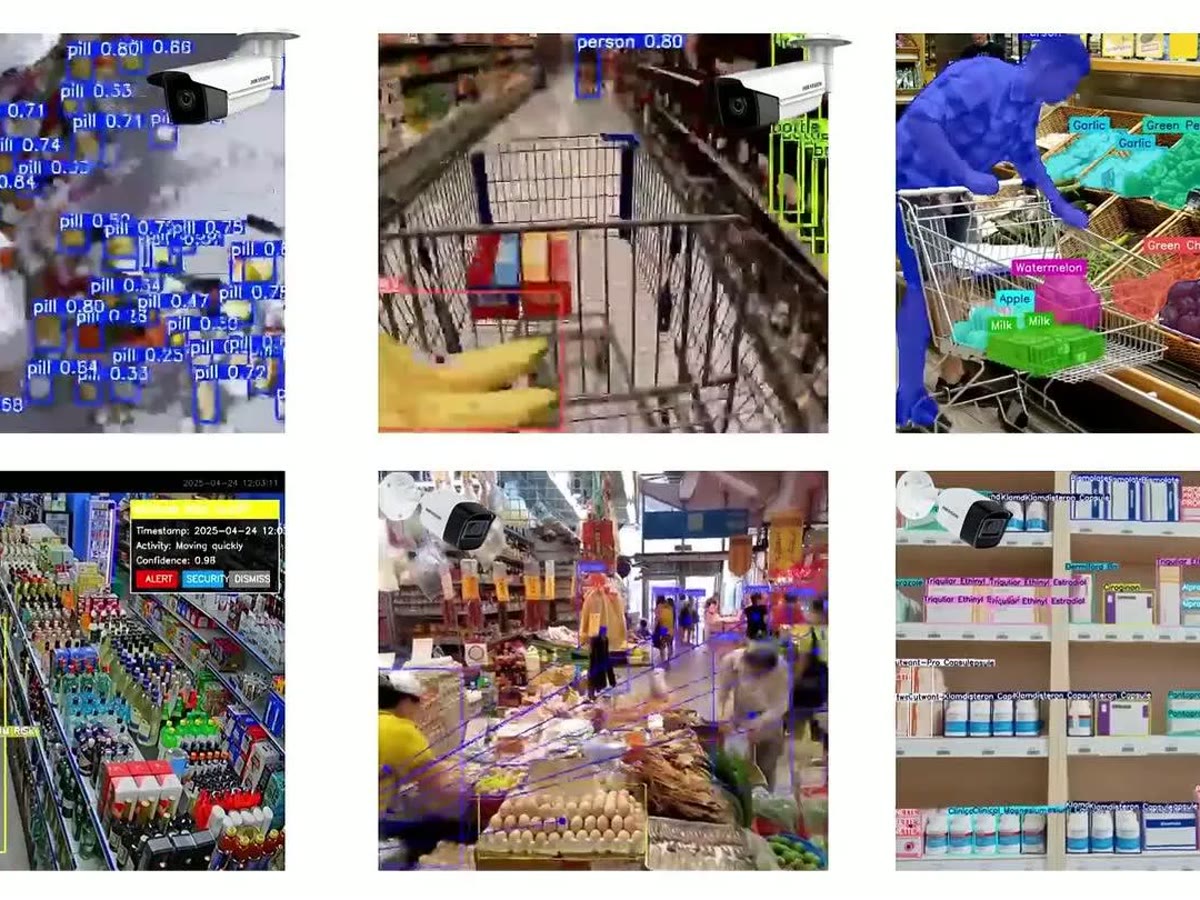
Using AI-powered analytics tools like EscherSense, you can continuously optimize your store layout:
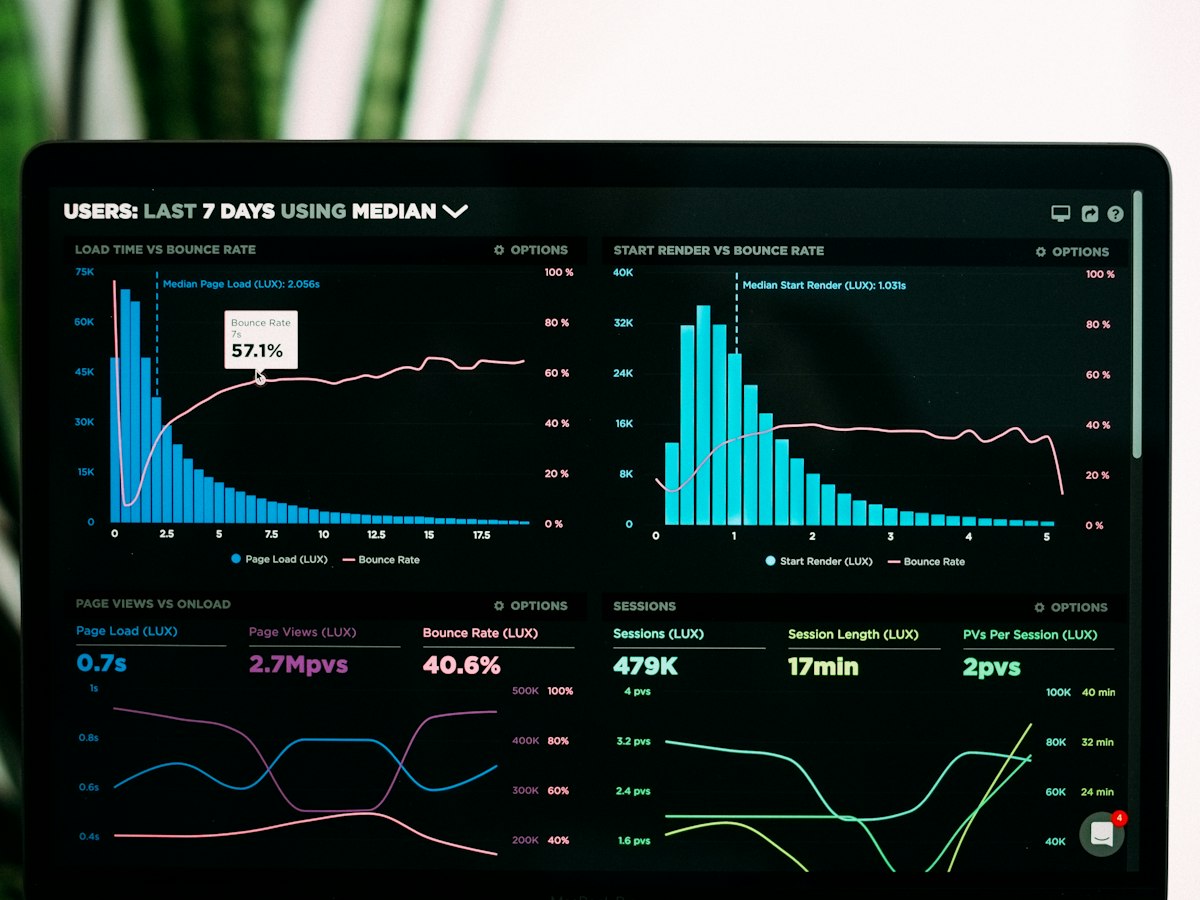
- Identify most and least visited areas with heatmaps
- Analyze customer flow patterns
- Conduct A/B tests - try different layouts and measure results
- Track seasonal changes
Success Stories
A clothing retailer redesigned their store layout using EscherSense analytics. Heatmaps showed customers never went to the left back corner. By moving the premium collection there and adding directional signage, they tripled that area's sales.
An electronics store moved the checkout area to the center of the store and observed that 60% of customers looked at additional products on their way to checkout. This simple change increased average basket value by 18%.
Conclusion
Store layout optimization is an ongoing process. Regularly analyze customer behavior, try new strategies, and measure results. Make data-driven decisions with EscherSense to maximize your store's potential.